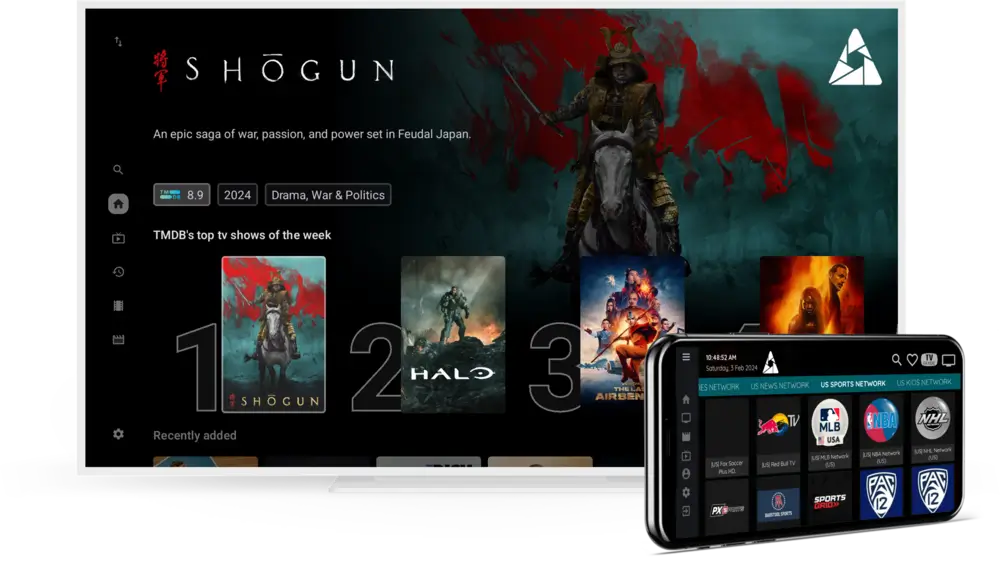
Choose an IPTV player based on what the order supplies. A player can support a format without being approved for a particular subscription. Confirm the publisher, intended device and instructions together. Use only authorized content sources.
Interface illustration. Use the publisher and version specified for your own order.
Installation and setup
Set up the player named in your order
Identify whether your access uses a playlist, a named sign-in method or a pairing code. Match that to the specific input screen in the confirmed player.
Check the app store on the device you intend to use. Verify the minimum version, remote or touch navigation, and access to the guide and subtitles you need.
Test using one live channel and one on-demand title if included. Record which player, software, format and device you tested so you can compare results later.
Troubleshooting
Find the step that fails
If a file imports but shows no channels, compare whether it is a channel list or a playback manifest for a single stream. Check filters and synchronization before concluding that the player is broken.
If one player can display the lineup but another cannot, compare the supported input format, source authentication and guide matching rather than assuming that one supports every feature of the order.
Record the device and software version, player version, exact message and local time. Keep order credentials, payment details and full playlist addresses out of screenshots.
Frequently asked questions
Are Xtream Codes and M3U interchangeable?
They are different input formats. Use only the one supplied and verified for your subscription and player.
Can a third-party player unlock a package?
A player displays content you have permission and valid access to use. The package terms decide which content your order includes.