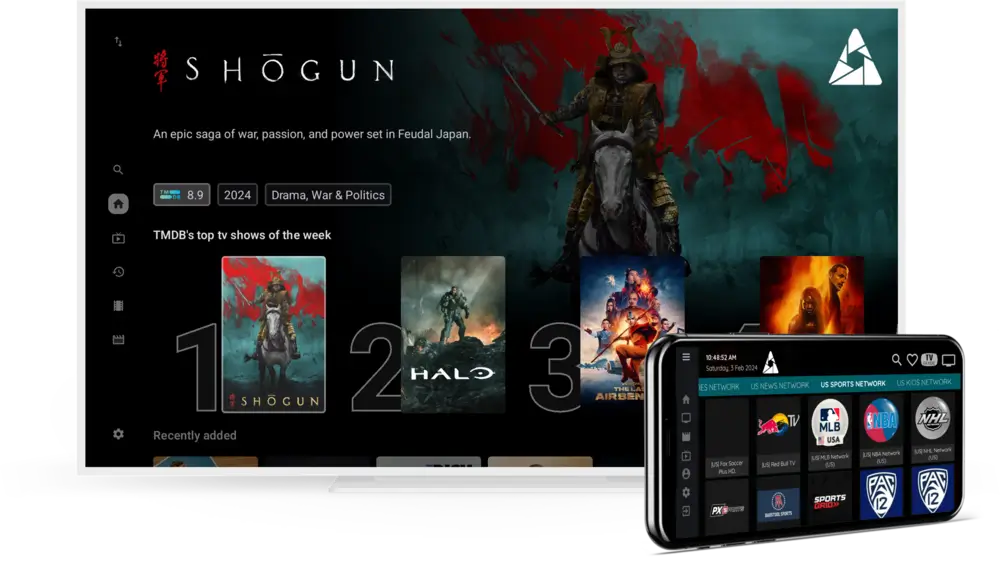
Start with your intended iPhone or iPad. Apple lists Startup Show as an independent playlist player, but your order determines which player and format you should use. App Store compatibility applies to the device and software listed there.
Interface illustration. Use the publisher and version specified for your own order.
Installation and setup
Set up the player named in your order
Open the App Store on the intended device. Confirm the publisher and minimum operating system, then install only the player specified for your access.
Activate using the input type your order supplies. Treat a full M3U address as private if it contains credentials or a token.
Play an item on Wi-Fi. Try portrait and landscape, check captions and audio at normal volume, then test AirPlay separately if you need it.
Troubleshooting
Find the step that fails
If the on-device stream works but AirPlay does not, verify that AirPlay is available on the receiving display and supported by the player. Compare another compatible app before resetting settings.
If the app’s text is too small or audio choices are unavailable only on one title, test another title to distinguish a display preference from a title-specific track or caption limitation.
Record the device and software version, player version, exact message and local time. Keep order credentials, payment details and full playlist addresses out of screenshots.
Frequently asked questions
Do iPhone and iPad require the same software version?
Check both devices against the current App Store listing. A model that installs the app may have a different interface or layout.
Does downloading an app activate an order?
Follow the activation instructions for the purchase separately after installation.