Before choosing an Apollo Group TV subscription, compare the actual amount you will pay, the period it covers and the screens your household needs. This guide explains how to read a streaming offer, calculate a comparable cost and document the terms that matter. Use the active listing and checkout total for a purchase decision, since prices and terms can vary by offer.
What you pay today
Read the price at checkout
Start with the full amount due today. Write down the currency, duration, and whether any taxes, discounts or fees are shown. If the price appears affordable only because it is quoted as a monthly equivalent, check whether you are paying for that whole period immediately. Both figures matter: one tells you the budget impact this week, while the other helps compare offers of different lengths.
For an illustrative comparison, imagine one offer charges $28 for one month and another charges $72 for three months. The three-month offer averages $24 per month, but you still pay $72 upfront. If you stop using it after the first month, the unused time can erase that apparent saving. These sample numbers illustrate the method and do not describe available Apollo Group TV prices.

The real cost of a longer plan
Compare the same viewing period
Pick a viewing period you actually expect to use, such as the next three months. Compare what each offer would cost for that same period. A month that you know you will spend away or watching a different service can change the result. If you're replacing cable, compare the recurring items on your cable bill with any services or equipment you would keep as well.
Add costs that are genuinely necessary for your setup. A compatible stick you already own costs nothing extra today, but a new device or an optional paid player changes the purchase cost. Count those separately from the subscription so you can distinguish a one-time setup cost from what you will pay again at renewal.
Renewal, cancellation and refunds
Record the terms together
Check the end date and whether the listing describes automatic or manual renewal. A first-term discount can make an offer appear cheaper than it will be later. Compare the regular renewal price for the same duration, and check where you would manage cancellation if renewal is automatic. Set a reminder early enough to make a decision before the next billing date.
Refund conditions deserve their own check. Look for the eligibility window, accepted reasons, exclusions and the way a request must be submitted. Keep a dated copy of the terms visible at purchase along with the receipt. If the listing is unclear, ask before paying rather than building the refund into your decision as if it were guaranteed.
Connections and device limits
Use peak household demand
Count viewers at the busiest time in your household, not the total number of devices you own. For instance, two people may watch different programs in separate rooms while a third person uses a phone. Check whether the plan supports that combination of simultaneous streams. Some limits concern registered devices, while others concern active sessions or network location.
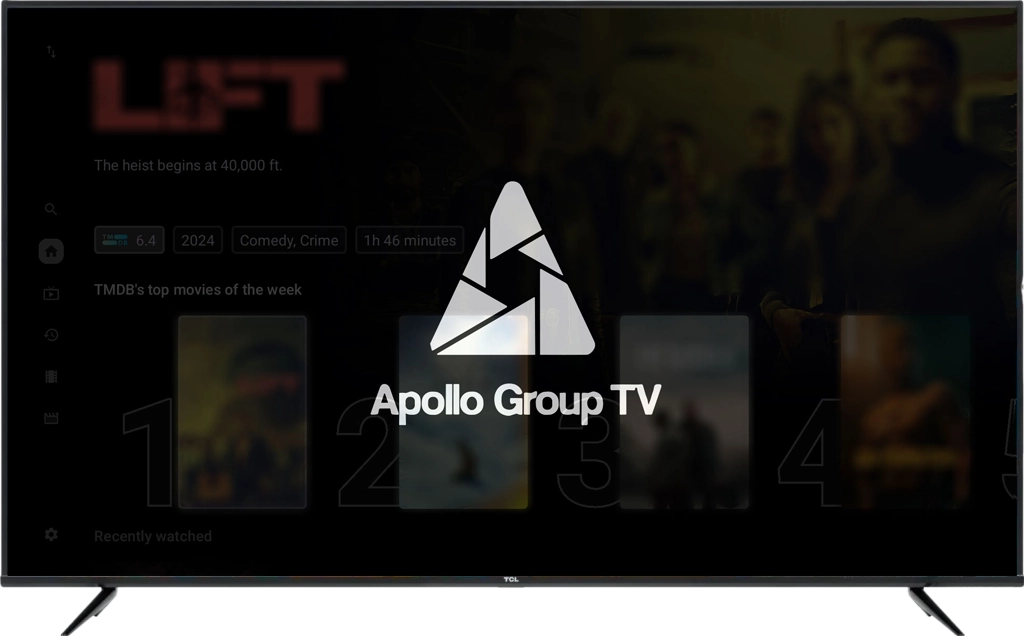
Confirm your device model and the required player before comparing longer subscriptions. A higher plan tier will not solve a missing app or remote controls that do not work on your television. If other family members use captions or a particular language, verify those needs along with the device itself. One successful test on your phone does not establish that the living-room setup works.
Check content before choosing a term
Make a shortlist
List the three things you would most miss if you switched services. These could be a local news affiliate, a particular soccer match or a series with subtitles in your preferred language. Check those individual items. A long list of channels is less useful if it omits the station or regional feed you actually watch.
When an event matters, confirm the date, local start time and specific feed. For movies or series, confirm the exact season, episode and audio track. If there is any uncertainty, factor that into the time commitment. A shorter term may give you more flexibility while you find out whether the service matches your viewing habits.
A checklist for the last checkout screen
Save the order record
Before submitting payment, confirm the plan name, currency, upfront total, term length, renewal arrangement, connection limit and the account email. If the numbers differ from the initial offer, pause and compare the line items before continuing. Keep the order email so you can find the plan details later.
After purchase, check that the receipt and account show the term you selected. Store activation instructions privately. If something differs from the offer, record the wording and order number before contacting support. A clear summary that includes the expected and recorded terms makes it easier for the seller to find the exact order.
A worked household comparison
Imagine a household choosing between a monthly option and a prepaid term. One member watches local news on weekdays; another wants two specific sports broadcasts each month. Before comparing costs, they verify both feeds and check whether their viewing overlaps. The family can then compare offers that serve the same needs instead of comparing incompatible packages only on price.
Suppose the cheapest option allows one simultaneous stream and both people routinely watch at 7 p.m. The resulting conflict is a cost even if the price looks better. The family can compare an option that supports their schedule with the cost of retaining a separate subscription. They should make the same calculation at renewal rather than assuming the original promotion continues.
Frequently asked questions
Does a monthly equivalent mean monthly billing?
No. A monthly equivalent is an arithmetic comparison. Check the order summary to see what is charged now and when you could be billed again.
How do I compare a trial with a paid term?
Confirm whether the trial renews into a paid subscription, how long access lasts, and whether the device and content you need are included. The same app may offer different experiences depending on the plan.
Should I choose the lowest advertised price?
Compare the full cost, content and simultaneous devices first. The cheapest offer by one measure can still be a poor fit if it excludes a device or channel you regularly use.
What information should I keep after paying?
Keep the dated offer, order reference, receipt and applicable conditions together. Put the renewal date on your calendar when relevant, and store credentials separately from anything you intend to share.