Start with the operating system and model code, not the Smart TV label. The same TV manufacturer can sell different systems in different markets. A compatible external device is a separate setup, even though it uses the same screen.
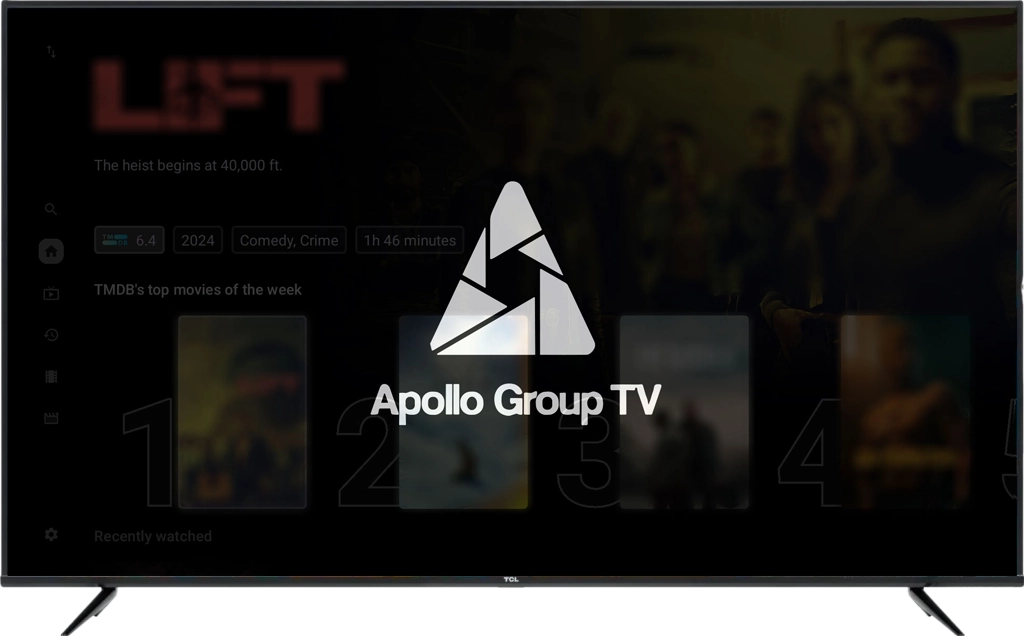
Interface illustration. Use the publisher and version specified for your own order.
Installation and setup
Set up the player named in your order
Find the full TV model in the system information panel. Write down the software version and country or region shown by its app store.
Search the store for the player identified in your order. If it is absent, ask whether the TV has a supported native route before changing settings or buying equipment.
If a supported external streamer is available, install the confirmed player on that device, switch the TV to its HDMI input, and check sound, captions and remote navigation.
Troubleshooting
Find the step that fails
If familiar apps also fail to open on the TV, check the TV’s internet connection and store account first. If only the required player is missing, check model and store availability independently.
A built-in player and a connected streamer can use different audio outputs. If sound fails only on one input, compare using the TV speakers before changing player settings.
Record the device and software version, player version, exact message and local time. Keep order credentials, payment details and full playlist addresses out of screenshots.
Frequently asked questions
Can I install the same TV app on every brand?
Native compatibility is model- and store-specific. Use the documentation for both the TV and your own order.
Can I use an HDMI device instead?
Check whether your order supports the external device and whether your TV has a usable port, power and network coverage.