Use this Apollo Group TV channels guide to check the programs you actually want to watch. Live channels, sports events and on-demand titles are organized differently, and each calls for a different kind of check. Start with a shortlist, compare it with the current lineup and verify the exact version of each channel or title before you make a subscription decision.
Live TV channels
Match the feed and region
A station name does not always identify a single feed. A national network may carry different programming through local affiliates, while an international feed can have a different schedule or language. Record the complete name, city or region, typical air time and what distinguishes the version you want. This makes a lineup search more useful than browsing a large category.
Suppose you watch evening news from a city you used to live in. A result with the same network branding could be a national feed with a different program. Compare the call sign or city label and check the schedule for a familiar broadcast. If you can test playback, verify the station’s on-screen identification as well.
Live sports and pay-per-view
Check the event itself
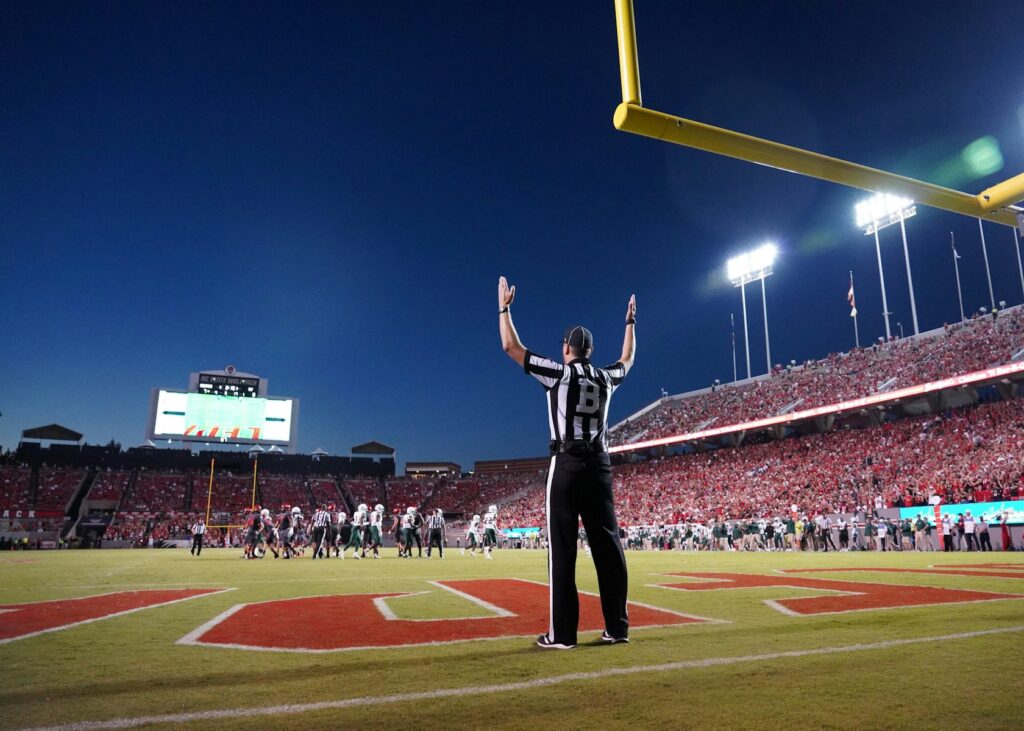
Start with the competition, teams or athletes and event date. Convert the advertised start time to your local time zone and identify the feed carrying that event in your region. A channel might cover some games in a competition while another carries the fixture you want. Having a sports category alone does not answer that question.
For a fight card or a tournament, specify whether you want the preliminary rounds, main event or replay. Check each against the current plan information. If an event is advertised separately as pay-per-view, confirm its inclusion and any additional fee before paying. For a game that matters to you, test a live feed before kickoff and allow time to resolve playback or login issues.
Movies and TV series
Confirm the exact version
Search by full title and release year. Shows with the same name or remakes can sit side by side in an on-demand catalog. Open the title details, check which seasons and episodes are listed and make a note of the one you want. A result at series level does not guarantee that every season is present.
If you need subtitles, captions or a particular audio track, verify those on the actual title and device you plan to use. Some catalogs present a separate language edition while others let you switch from the playback menu. If a program appears only in the live TV schedule, check whether it also appears in on-demand or replay before expecting to start it at any time.
How to read an electronic program guide
Distinguish schedule and playback
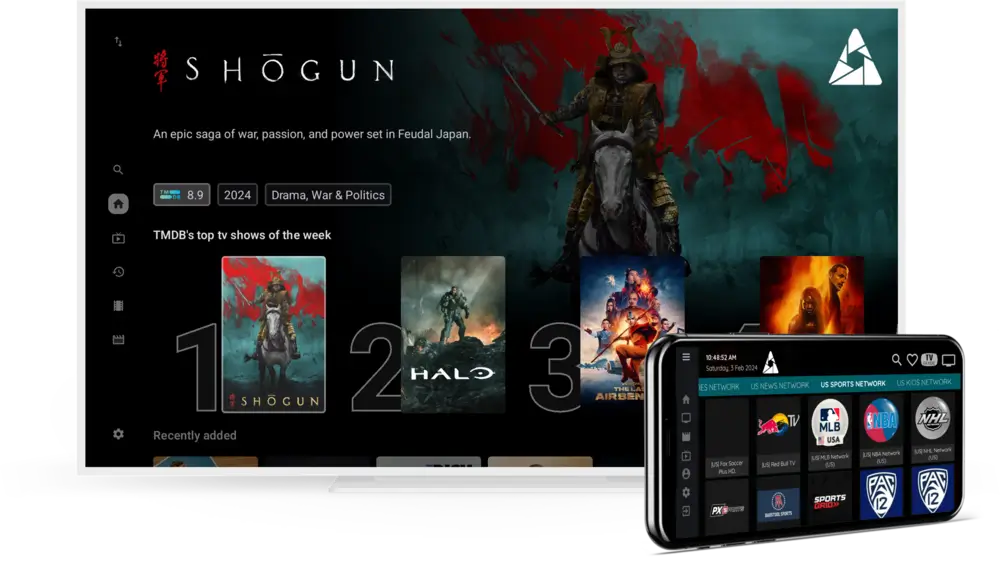
An electronic program guide, or EPG, shows what a feed is expected to broadcast. First confirm that you are looking at the right day and input time zone. If the same difference appears across multiple known programs, compare your device setting and the app’s guide offset before assuming the lineup is wrong.
If one channel has a blank schedule while others work, try opening the stream. Working playback with an empty schedule points toward missing or unmatched guide data. If the stream and schedule are both missing, document which feed you selected and when it occurred. The two checks give support a better starting point than a report that the channel is simply gone.
Compare viewing needs across the household
Prioritize what you use
Ask everyone to name the channels, types of programs and languages they would use in a normal week. Separate essentials from extras. A household that depends on one regional channel, children’s audio tracks and weekend sports should verify those specific items before weighing the size of the overall catalog.
Also record when those needs overlap. One viewer might watch a match while another wants an on-demand episode on a different device. Check concurrent streaming separately from channel access and test the setup you actually expect to use if your plan allows it. Device compatibility and content availability are separate parts of the decision.
What to do when a listing changes
Keep evidence that helps
Check whether the title or station appears under a different spelling, language or regional category. Refresh the app’s listings after checking for filters or a favorites-only view. If the issue affects one station, look for a current schedule and note the exact time and feed rather than reinstalling immediately.
When reporting a repeat problem, include the exact channel name or episode, local time, app version, device model and whether other items played normally. Hide credentials and playlist addresses if you share a screenshot. If the content is essential for your decision, recheck it near the viewing date instead of relying only on an older screenshot of the catalog.
Build a viewing checklist
Create separate entries for scheduled channels, events and on-demand titles. For a channel, record the feed and usual program time. For an event, record the fixture date, local start time and which coverage you need. For an on-demand title, record the year, season, episode and language. Check off entries as you verify them and note the date of the check.
If a channel is temporarily absent, establish whether it has been renamed, moved to another category or removed from the lineup. If an upcoming event is absent, look again closer to the scheduled start and confirm its assigned feed. These checks are more informative than asking about broad categories such as sports or international channels.
Frequently asked questions
Can I tell whether a particular game is included from the league name?
Check the specific fixture and broadcast feed for your region. Rights and schedules can differ across games within a single league.
Why do two channels have the same network name?
They may be regional editions, alternate feeds or versions that run in different languages. Check the guide and on-screen station identification to distinguish them.
Why is a title listed when some episodes are missing?
A catalog can list a series with only selected seasons or episodes. Open the episode list and verify the specific installment and language before relying on it.
Can I use the program guide as proof a channel plays?
A schedule entry and a working stream are separate checks. If you have access, test playback on the intended device and record any error.