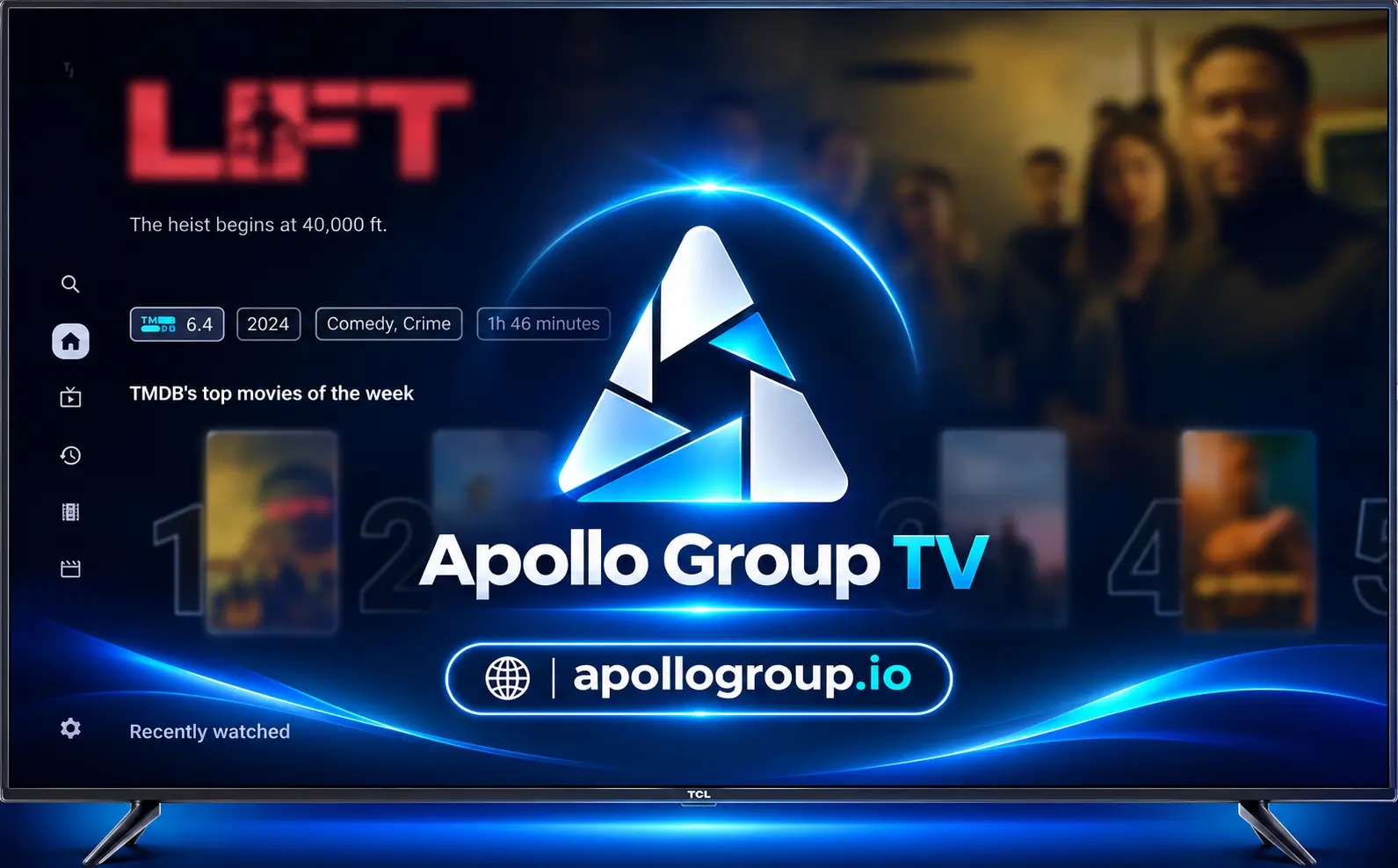
Apollo Group TV

From game day to movie night

Explore live TV and on-demand viewing, compare subscription terms and get your favorite screen ready.

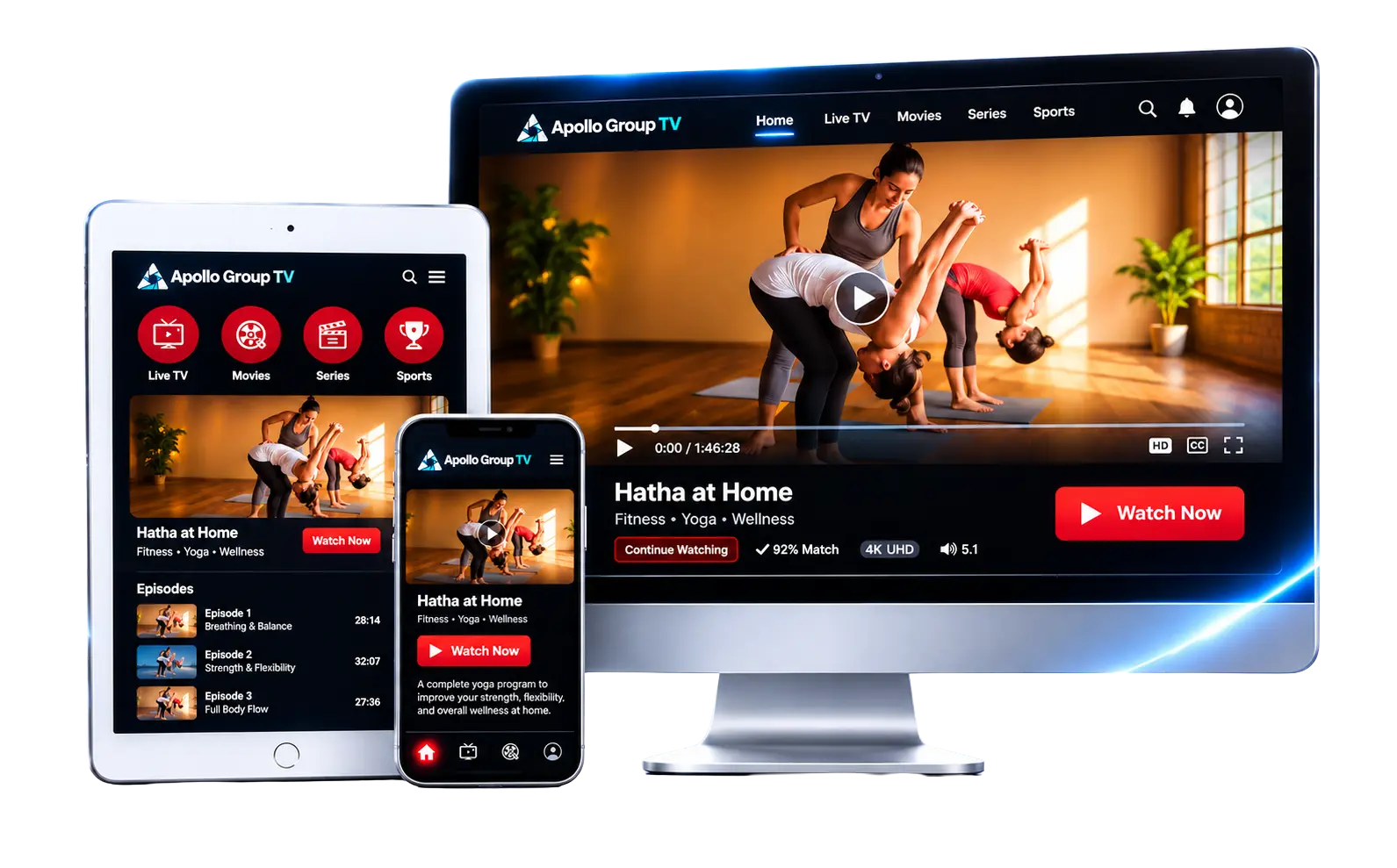
The Apollo Group TV app on your screen

Get to know the viewing guide, playback controls and account settings to check on your device.

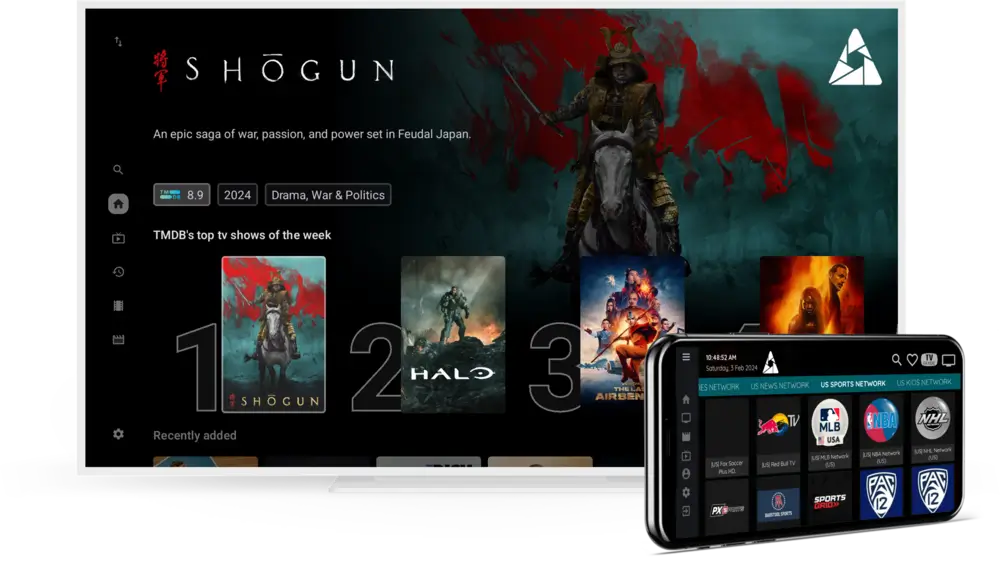
Apollo Group TV browsing interface on a television and phone

TV guide

Check what’s on now and when the next program starts.

Title details

Look up an episode, its runtime and available audio tracks.

Live sports

Match the event time to your local broadcast schedule.

Family viewing

Check profile and parental-control options on your player.

Resume playback

Check whether your player remembers where you stopped.

Favorites

Look for the save control on channels and titles you revisit.

Audio & captions

Open playback settings to find languages and subtitles.

Device setup

Match the app and installation steps to your screen.

Live sports

Movies

Documentaries

News

Apollo Group TV Best Features?

Apollo Group TV provides a convenient and cost-effective way to stream premium TV content on demand over the internet. Get more channels and movies for less, with the added benefit of requesting additional films to be included.

apollo group tv

Included Feature All Package

Access Exclusive Pro Features on Apollo Group TV, Your final solution to Cut the Cord, And start Streaming your favorite Live Channels Online.

  • Secure Video Delivery
  • Supports, HLS & CMAF
  • Low-Latency
  • High-Performance Streaming
  • Adaptive Streaming Formats
  • Powered by NVMe SSDs

Extensive Channel Selection

Access to a wide variety of channels, including live TV, sports, news, and international programming, ensuring a diverse viewing experience.

High-Quality Streaming

Reliable, high-definition (HD) or 4K streaming with minimal buffering or interruptions for an optimal viewing experience.

HQ On-Demand Content

A comprehensive library of on-demand movies, TV shows, and exclusive content that allows viewers to watch what they want, when they want.

Multi-Device Compatibility

Support for various devices such as smart TVs, smartphones, tablets, and streaming boxes, allowing you to watch content seamlessly across different platforms.

Pricing & packages

Apollo Group TV subscription plans & pricing

Compare subscription lengths, one-time prices and monthly equivalents.

Starter pack

1 Month Access

One-time payment

$24.99

$24.99 per month equivalent

  • 5 devices per user
  • 4,000+ HD channels
  • 90,000+ movies & shows
  • 4K Ultra HD & HDR
  • Anti-freeze streaming
  • Full EPG TV guide
  • 24/7 live support
  • VOD library included
View shop
Silver pack

3 Months Access

One-time payment

$54.99

$18.33 per month equivalent

  • 5 devices per user
  • 4,000+ HD channels
  • 90,000+ movies & shows
  • 4K Ultra HD & HDR
  • Anti-freeze streaming
  • Full EPG TV guide
  • 24/7 live support
  • VOD library included
View shop
Platinum pack

12 Months Access

One-time payment

$149.99

$12.50 per month equivalent

  • 5 devices per user
  • 4,000+ HD channels
  • 90,000+ movies & shows
  • 4K Ultra HD & HDR
  • Anti-freeze streaming
  • Full EPG TV guide
  • 24/7 live support
  • VOD library included
View shop
Elite pack

6 Months Access

One-time payment

$99.99

$16.66 per month equivalent

  • 5 devices per user
  • 4,000+ HD channels
  • 90,000+ movies & shows
  • 4K Ultra HD & HDR
  • Anti-freeze streaming
  • Full EPG TV guide
  • 24/7 live support
  • VOD library included
View shop

Apollo Group TV Live Streaming Channels.

Apollo Group TV Gives you access to watch your favorite TV channels with low cost and with a better experience. It’s more than just another streaming services.

  • ARABIC Sports & Movies…
  • UK Channels Sports & Movies..
  • CANALSAT Sports & Movies…
  • OSN (Full) Available
Apollo Group TV

Global Networks Streaming

Apollo TV Working Equipments.

Connect to almost all devices With with Apollo Group TV, Almost all devices are supported.

  • Amazon Firestick ( Fire TV )
  • Smart TV (samsung, LG …)
  • Tivimate / Kodi / Emigma
  • Android TV / BOX
  • IOS Devices
  • MAG BOX / STB Emulator

Access Full Features For Free!

Get access today to with all features at $0 including

  • +20,000 Premium TV Channels
  • +80,000 Video On Demand
  • Apollo TV App ( Android / IOS )
  • Easy Configuration
  • TV Guide EPG
  • 3 Days Catch-UP
  • Anti Buffering Technology
  • Easy Installation Guide
  • High-Performance Server
  • Powered by NVMe SSDs
  • 24/7 Customer Support
  • 30 Day Moneyback Guarantee

WHY THOUSANDS ARE SWITCHING

Apollo Group TV vs Cable & other streaming services

More content for less money. See how an Apollo IPTV subscription compares with cable and other streaming services.

FEATURE APOLLO GROUP TV NEXT-GEN IPTV EXPERIENCECable TVOther streaming
Monthly cost From $12.49/mo $80 – $150+ $15 – $25
Live channels 22,000+ 200 – 500 5K – 10K
Movies & shows 90,000+ Limited 10K – 30K
4K quality Included Extra cost Some
Anti-freeze tech Built-in — Common issue
TV guide (EPG) Full guide Basic Partial
24/7 support Live chat Phone only Email
Contract None 12–24 months Varies
Apollo wins   Comparable   Falls short

Apollo Group TV Customer Reviews

★★★★★

Excellent Streaming Service

I've been using Apollo Group TV for a while, and I'm very satisfied with the service. Great channel selection, good picture quality, and easy setup. Highly recommended!

★★★★★

Great Customer Support

Excellent customer service! They helped me set everything up quickly and answered all my questions. The service works great, and I'm very happy with my experience.

★★★★★

Great Value for Money

Very good value for the price. I enjoy the variety of channels and entertainment options. Everything was easy to set up, and the experience has been great.

★★★★★

Easy to Use

The setup process was simple, and everything was explained clearly. The service is easy to use, and I can enjoy watching my favorite programs without complications.

★★★★★

Wide Selection of Channels

I'm impressed with the variety of available channels and entertainment. It's convenient to have so many viewing options in one place. Great experience overall!

★★★★★

Highly Recommended

So far, I'm very happy with Apollo Group TV. The support team is helpful, the setup was straightforward, and the service offers plenty of entertainment. Definitely worth considering!

Requirements Devices.

  • PC, Smartphones, Tablets, Android Devices, iOS
  • Dreamlink, Formuler, Enigma, Avov & All IPTV Boxes.
  • Smart TV, Apple TV, LG, Android TV, Samsung.
  • Amazon Fire TV Stick (Firestick).
    Mag Boxes, Stb Emu…

Account & orders

Find a receipt or check which email address you used at checkout.

Set up a screen

Identify your device, choose the correct player and test your first stream.

Fix playback

Compare two titles and a second device to narrow down a buffering problem.

This overview brings together Apollo Group TV subscription terms, viewing features and setup considerations. Use the linked guides for the specific decisions that affect your household.

Plan a week of viewing

A side-by-side list is easiest to judge against a normal week at home. Note when you watch local news, how often you look up a particular series, and whether weekend sports overlap with someone else’s viewing. Include the screen and language you want for each. That small list gives you concrete examples to verify during setup.

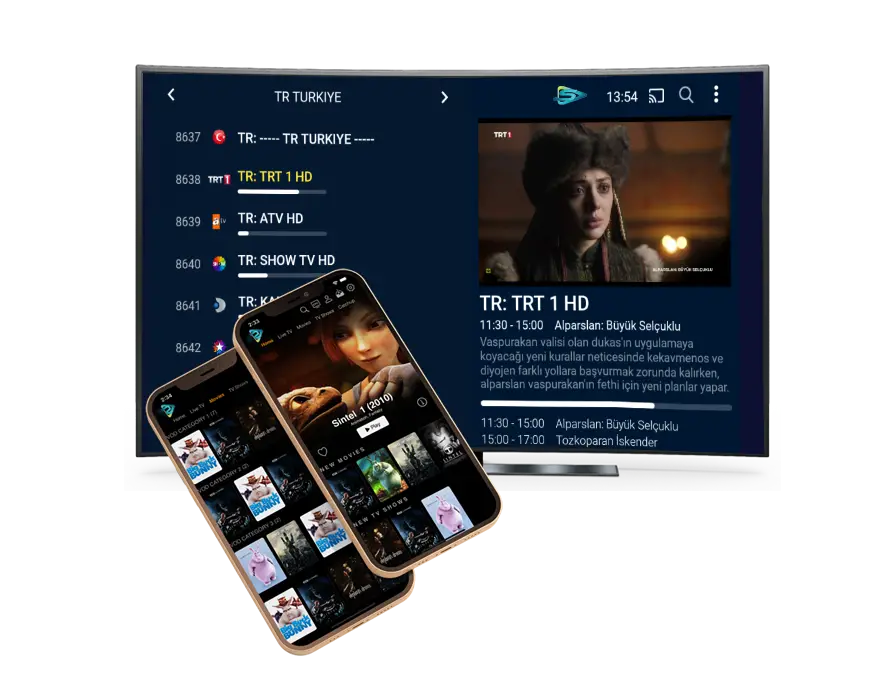
Streaming menus displayed on a television and phone
Check the controls on the screens you use regularly.

Check picture quality where it matters

A high-resolution program is useful only if the source, display and connection support that combination. Compare the same program on the same screen before changing devices or adding equipment. Check subtitles during a quiet dialogue scene and audio during both dialogue and louder moments, at the volume you usually use.

Leave room to change your setup

A different television, move or change in household routines can affect the app or connection you need. Keep your plan details, activation instructions and device model somewhere easy to find. That makes the next setup easier and lets you compare a new option against the one that already works.

Related guides

Frequently asked questions

Select a question to read the answer.

Open the shop and select an available listing to see its price and billing term.
Use the app name and publisher specified with your subscription. Check compatibility against the exact model.
Sign in to My account using the details used at checkout, then open Orders.
Check the product listing for an explicit trial offer and any renewal terms.
Try a second channel immediately. Record the first channel and time if the problem affects only that feed.
Review the order for the term and renewal method, or use the seller contact on your receipt.